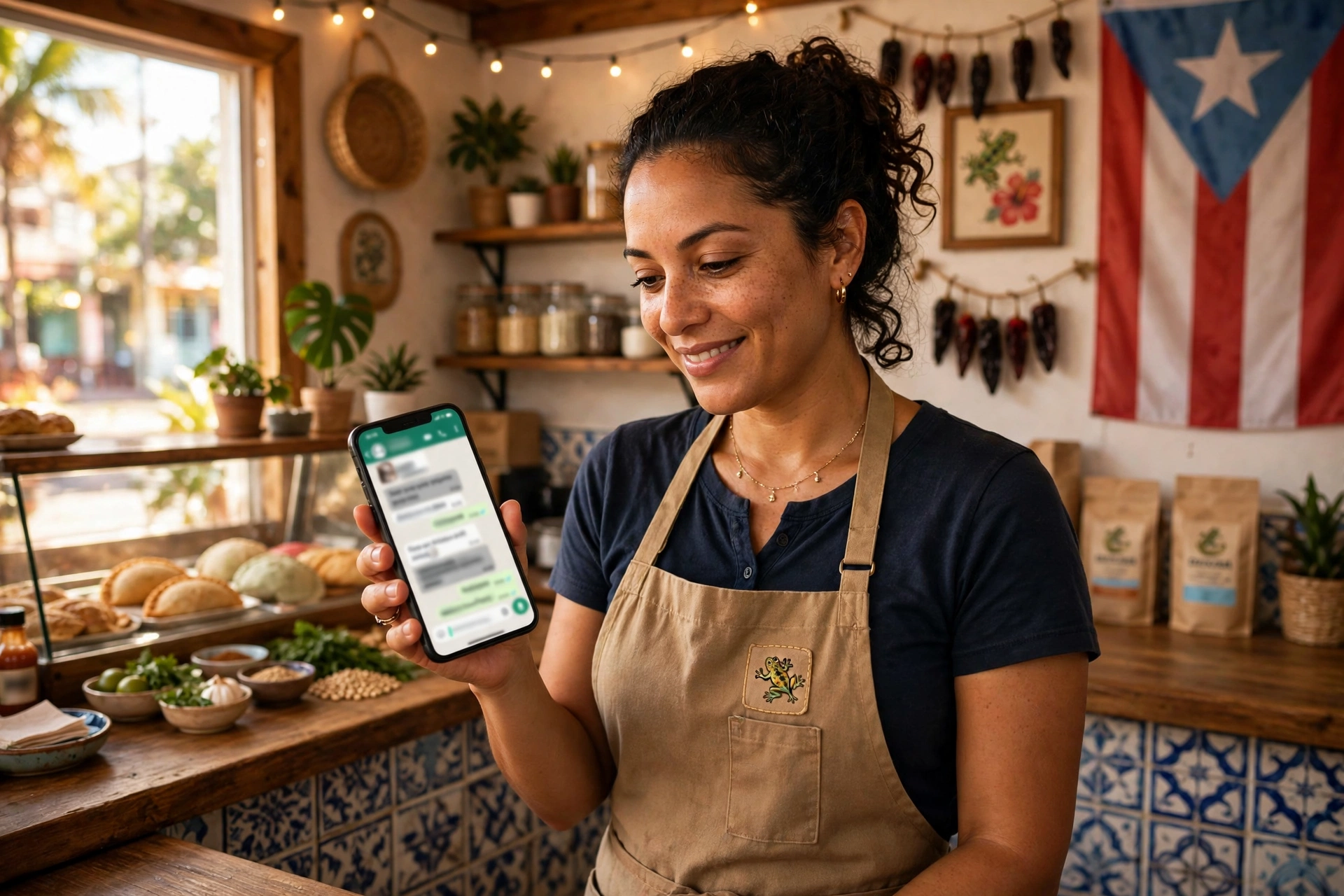
WhatsApp Business for your restaurant or business
Catalog, automatic replies and orders by chat: the free tool every business should use.
Your customers are already on WhatsApp. WhatsApp Business is the free version for businesses: it lets you add a catalog, reply automatically, show your hours and take orders without answering the phone. Here is what it does and how to start today.
Your business profile
Name, photo, address, hours and description. A customer who writes to you immediately sees what you sell and when you open, without asking.
The catalog
Upload photos of your dishes or products with prices. The customer browses the menu from the chat and sends you the order, without leaving WhatsApp.
Quick and automatic replies
Save answers to the questions you always get (hours, address, dish of the day) and an automatic welcome message outside business hours.
Labels to organize customers
Tag chats as "new order", "pending" or "regular customer". Nothing gets lost and you know who is writing.
Status and broadcast
Post the daily special in your status and send promotions to your regular customers. No ads to pay for.
Tip
Put your WhatsApp Business number on your menu, on your kiosk and on your social media. If customers do not know they can write to you, they will not.
Comments (0)
Loading comments...
Did you like this article? Share it with others
Recommended posts
Business Growth
The digital QR menu: benefits and mistakes to avoid
Less paper, less contact and a menu that updates in seconds. What to do right and what not to.
Digital Transformation
5 AI tools for small businesses
Chatbots, inventory, content and sales: the AI any restaurant or business can start using this week.
Business Growth
Contactless payments: what they are and why your customers expect them
Tap-to-pay is fast, secure and increasingly expected. What you need to accept it in your business.